Fortress workshop

Castle Architect

Sketch fortress blueprints on a tactical grid, run sieges against your own walls, and archive every assault rating.

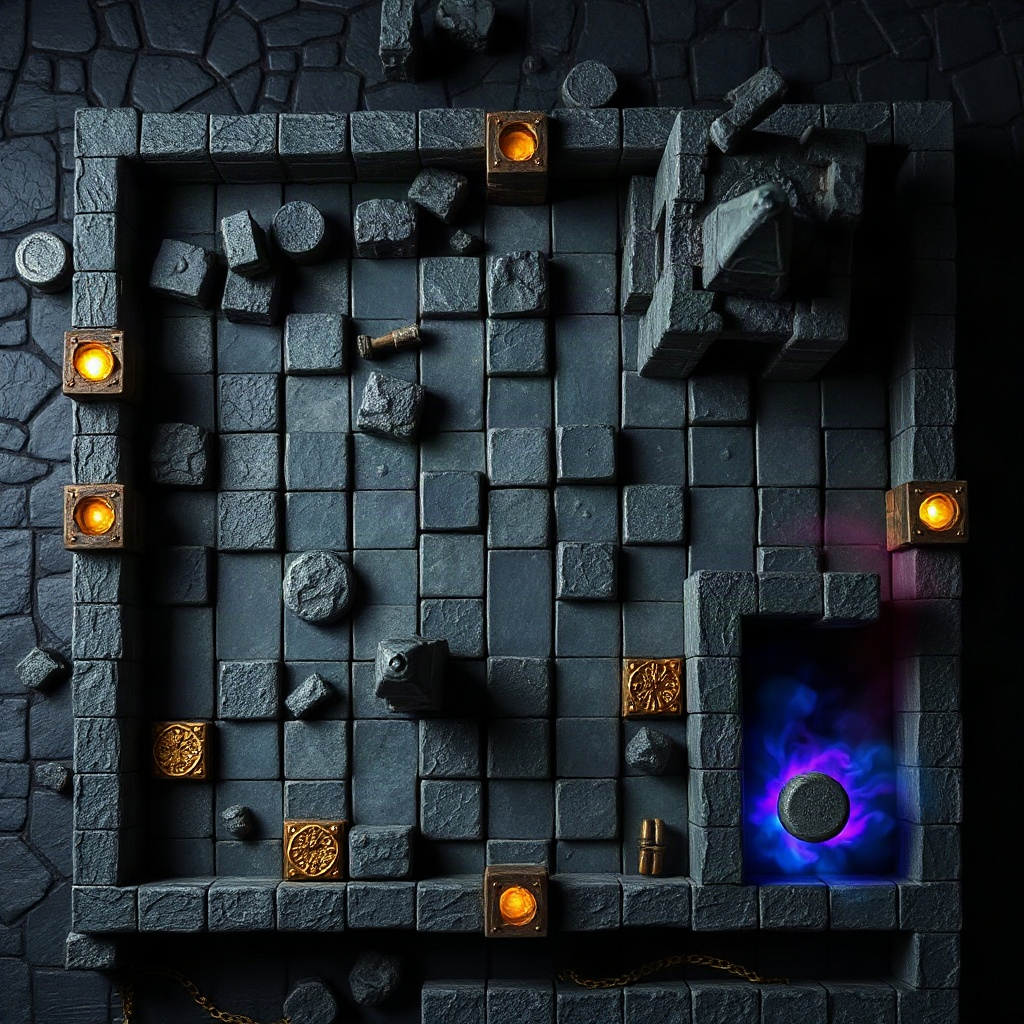
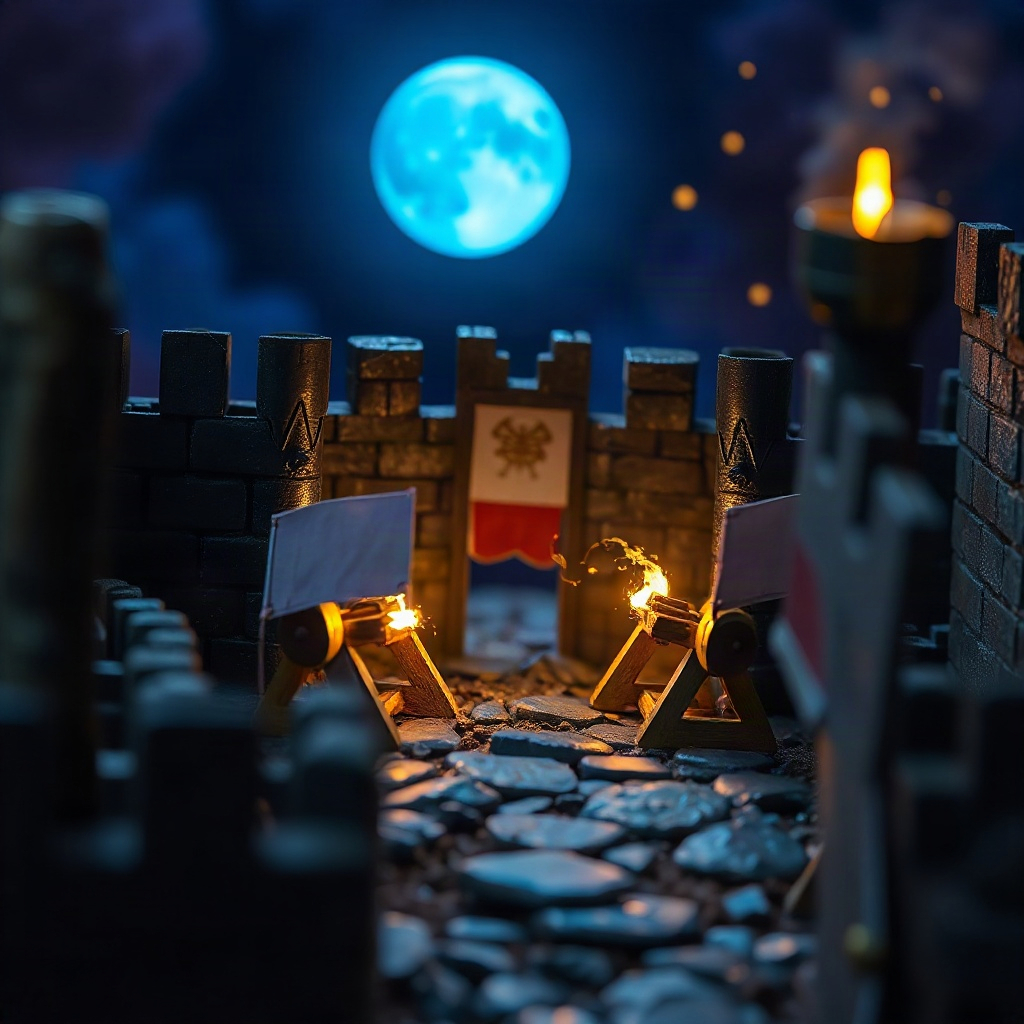
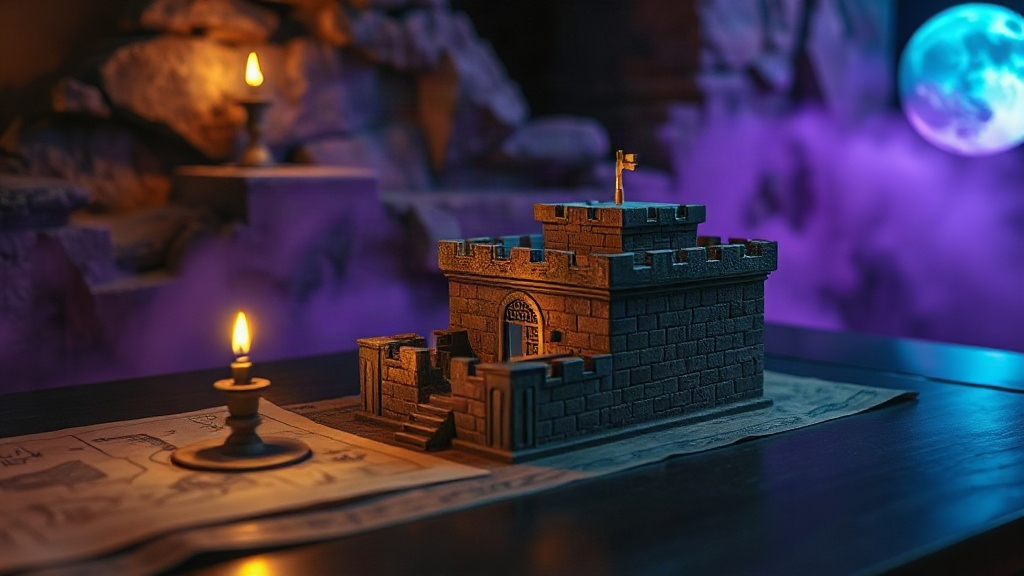
Miniature stone fortress lit by warm torchlight on a dark table

Inside the keep

Three rooms of the app — canvas, theater, and memory — written as one continuous field journal.

Blueprint canvas

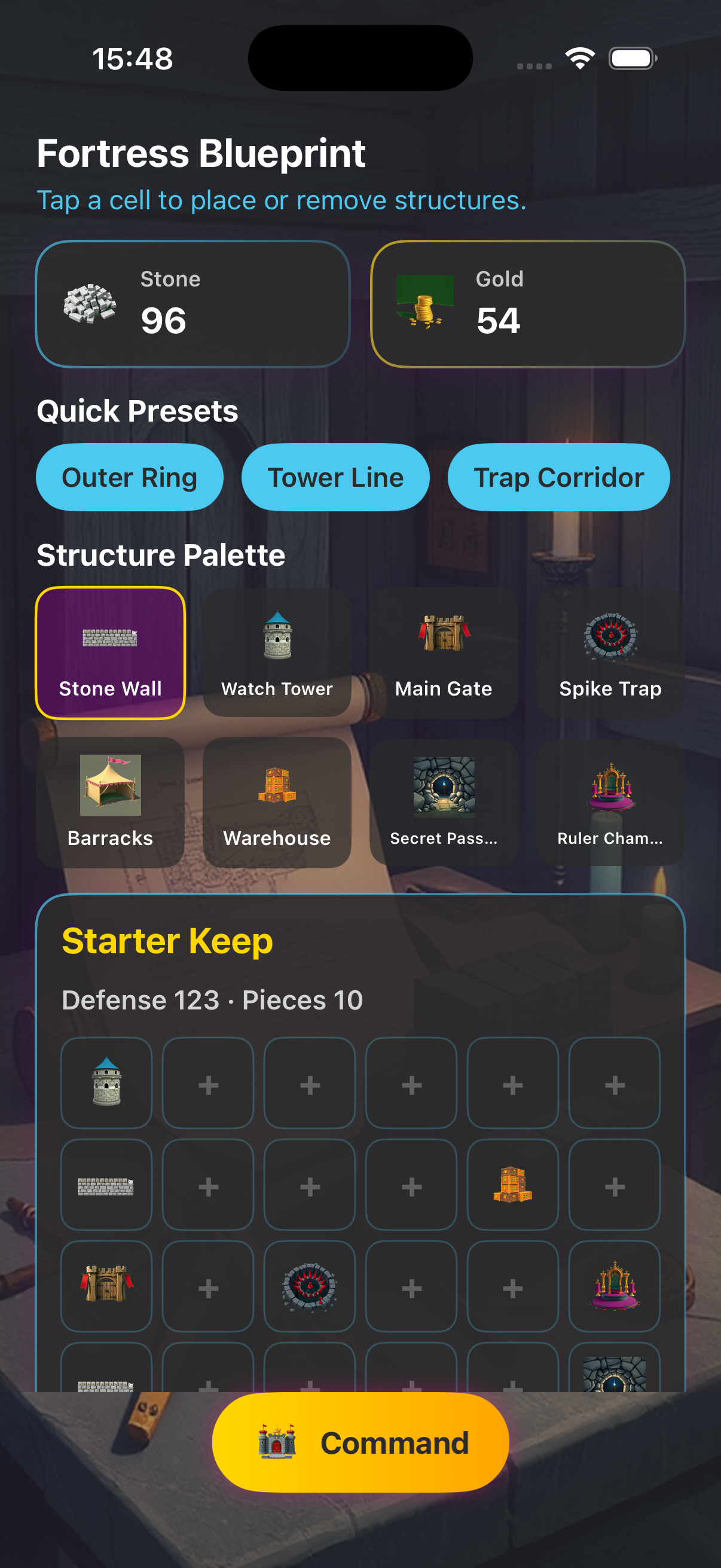
Place walls, towers, gates, and traps cell by cell on a readable grid. Quick presets give you a defensible spine in seconds, and the structure palette spells out placement hints so every piece earns its coordinate. Defense totals and piece counts update as you refine the plan.

Attach reference photos to a blueprint kit or record a short voice note after a memorable assault — both stay on your device alongside the layout you were studying.

Siege theater

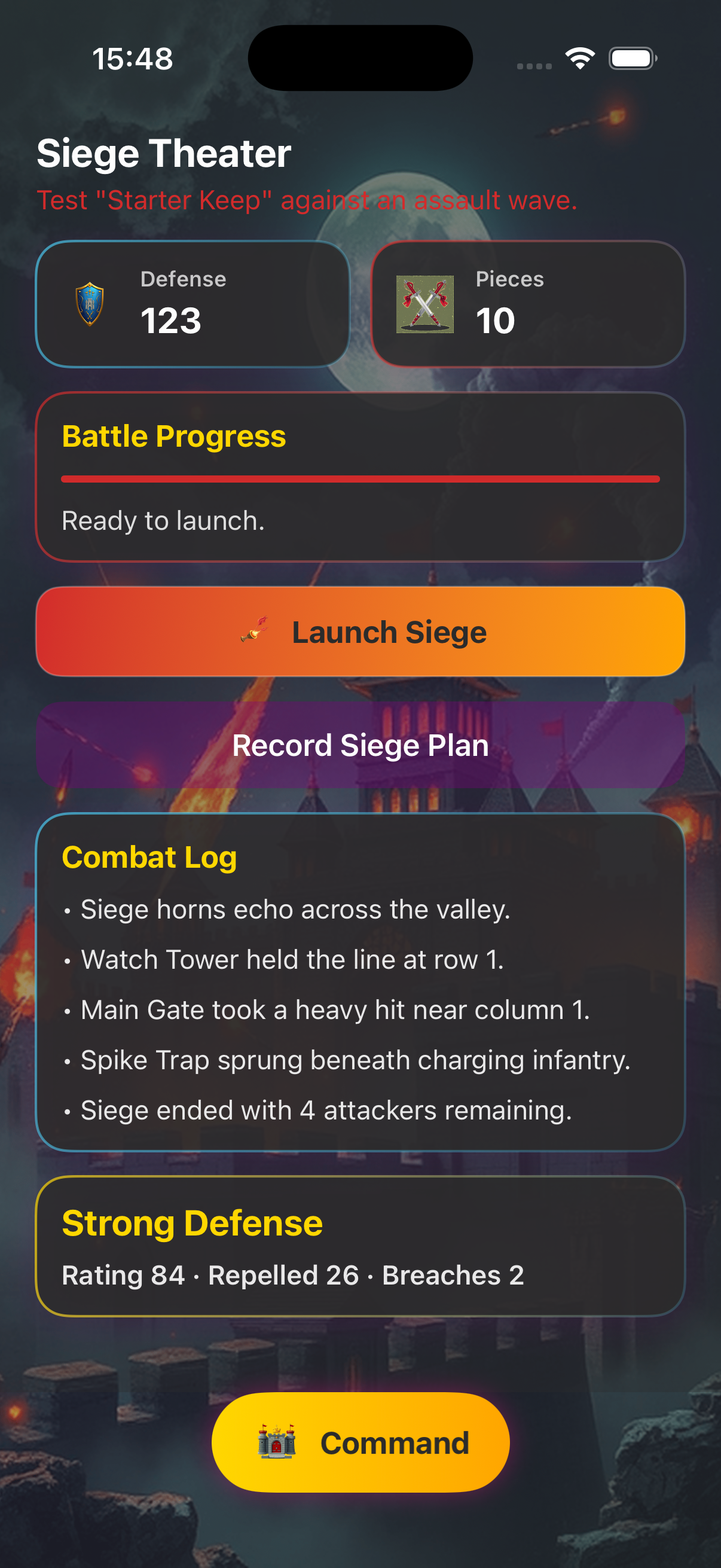
When a blueprint feels ready, march an assault against it. The siege theater replays pressure on your design so you can see where the curtain wall thins or where a tower gap invites trouble. Adjust siege speed in keep settings when you want time to read each phase.

Vault and archive

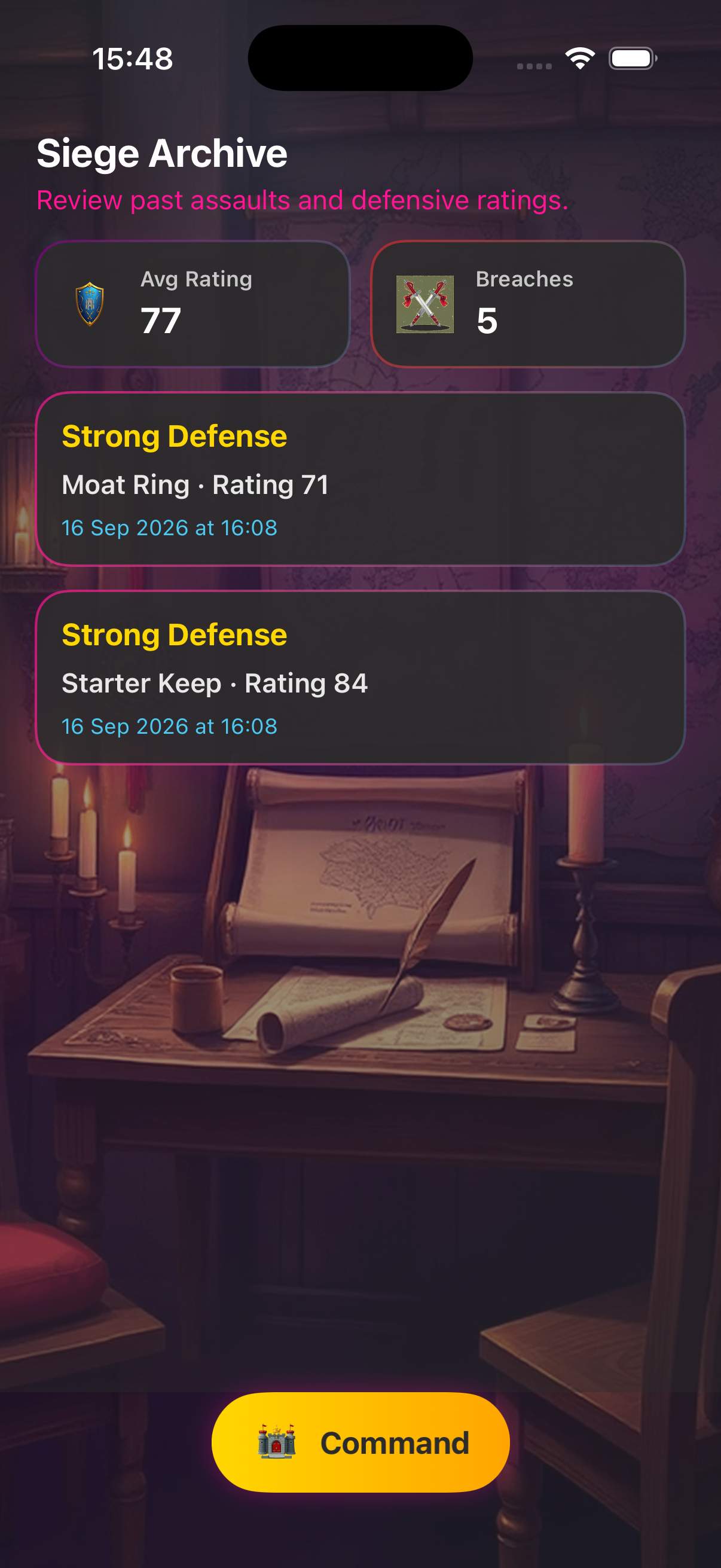
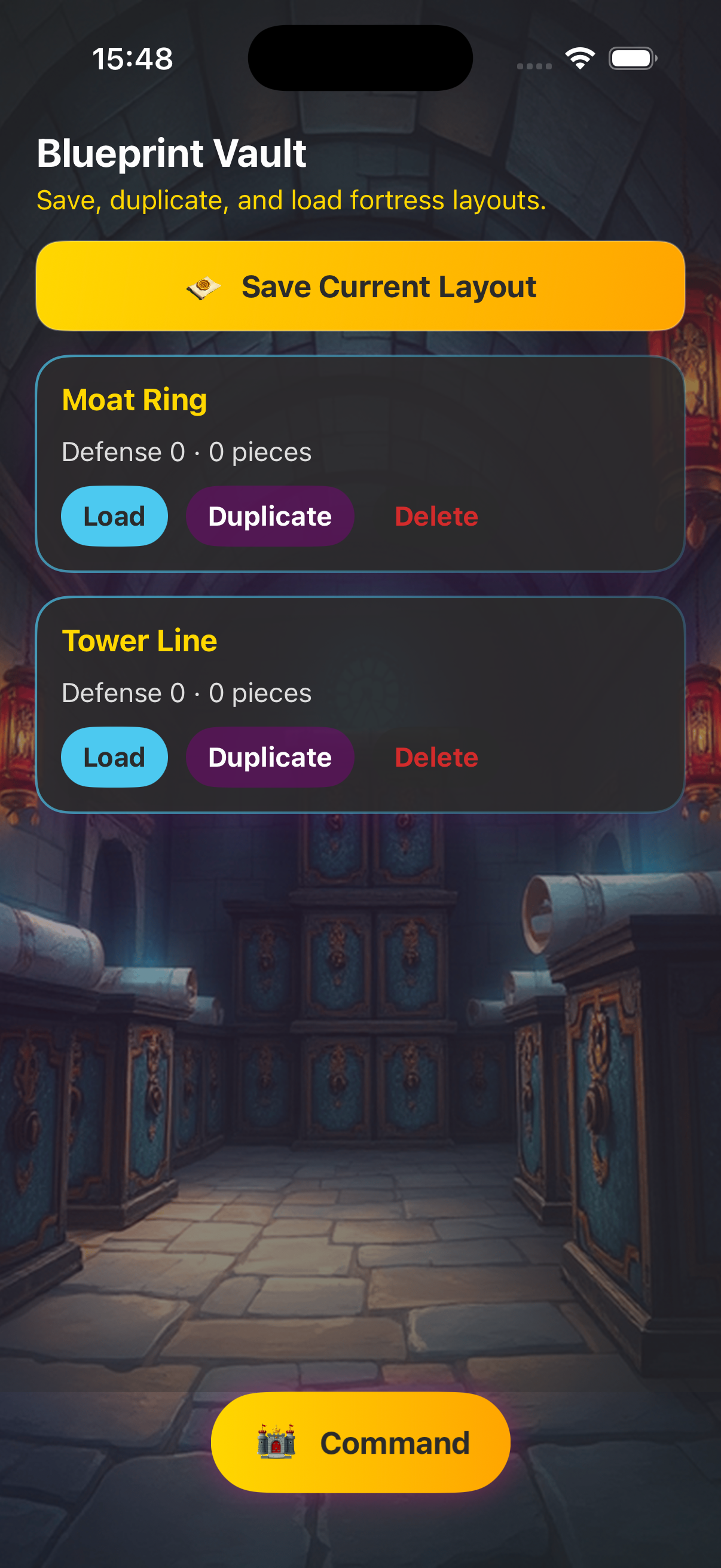
Save finished plans in the blueprint vault, duplicate favorites, and reload them when inspiration returns. The siege archive stores past outcomes with ratings, duration, and notes — a ledger of lessons from every run.
Field captures

Screens from the keep — thumbnails inline, like margin sketches in a commander’s log.

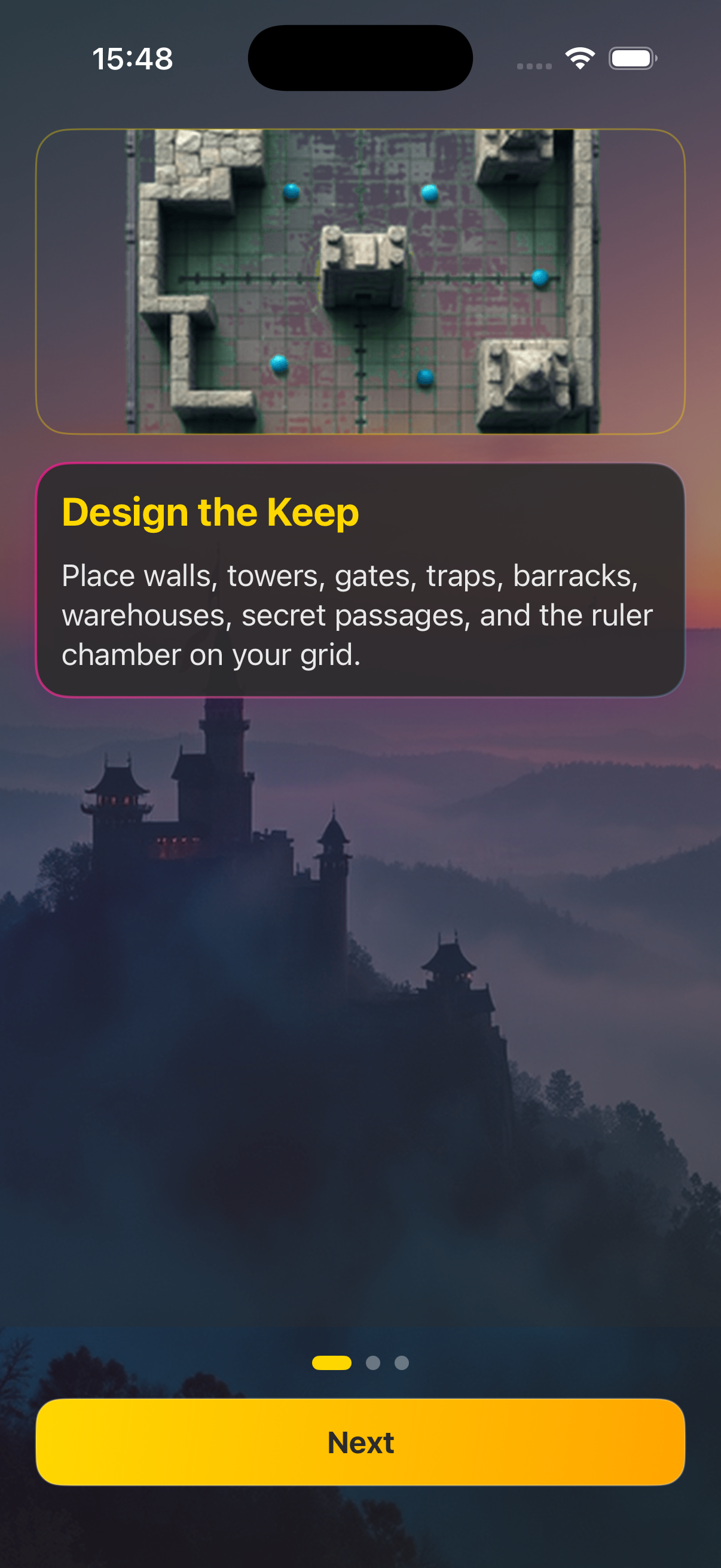
Onboarding introduces the sectors of the keep before you place your first stone.

Castle Architect onboarding screen
Welcome walkthrough

The blueprint canvas is where defense totals climb as you commit each structure.

Fortress blueprint grid with structure palette
Canvas and palette

Siege theater stress-tests the plan; repair ledger and archive close the loop on damage and history.

Siege simulation view
Siege
Siege archive list
Archive

Vault and settings round out long-term play — stored layouts and pacing controls in one calm workshop.

Blueprint vault list
Vault